
Add your parts
Upload STL files and set the quantity for each part.
BETTER PLANNING FOR 3D PRINTING
The way you arrange parts inside a machine affects the space and time a build needs. Nesting Solver searches for a better arrangement for your parts.
Explore how it worksHOW IT WORKS
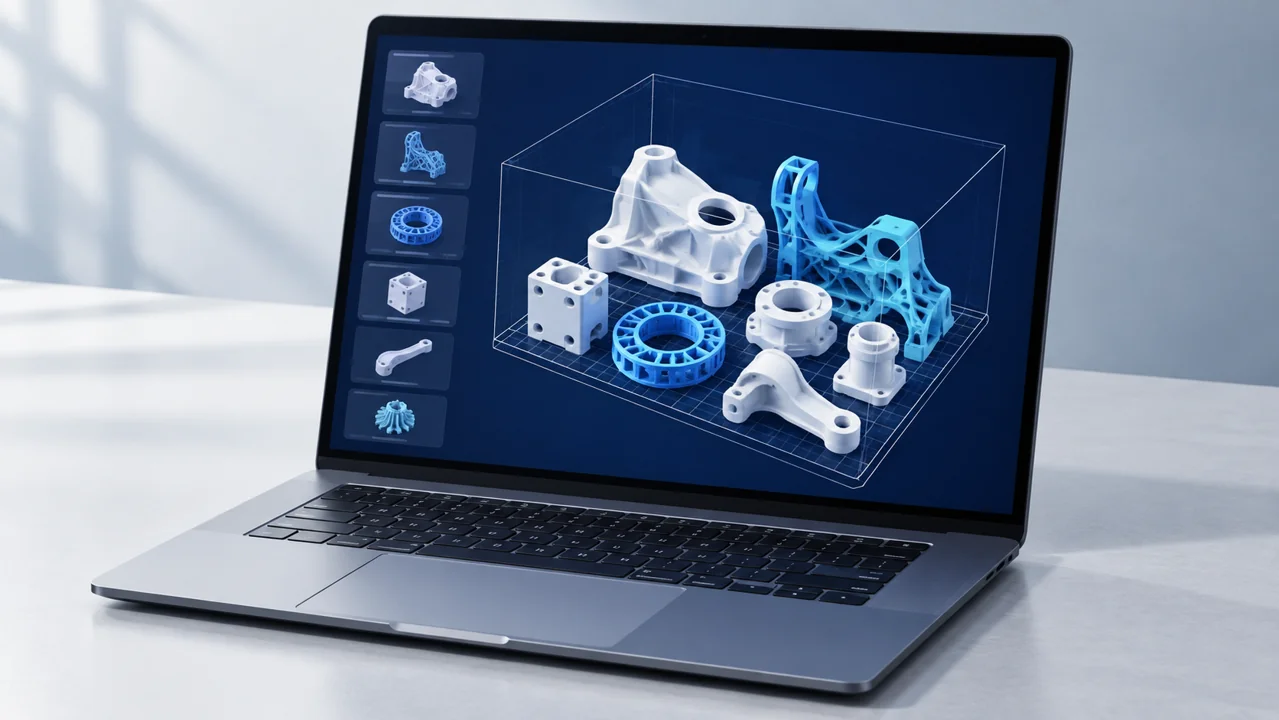
Upload STL files and set the quantity for each part.
Choose the machine dimensions and the gap between parts.
Start the search. Compare results in 3D, pause and resume later.
Download your preferred layout for production preparation.
WHY DOES PLACEMENT MATTER?
Think of packing a box. Arrange the same items differently, and they can take up less space. We do this for complex 3D parts.
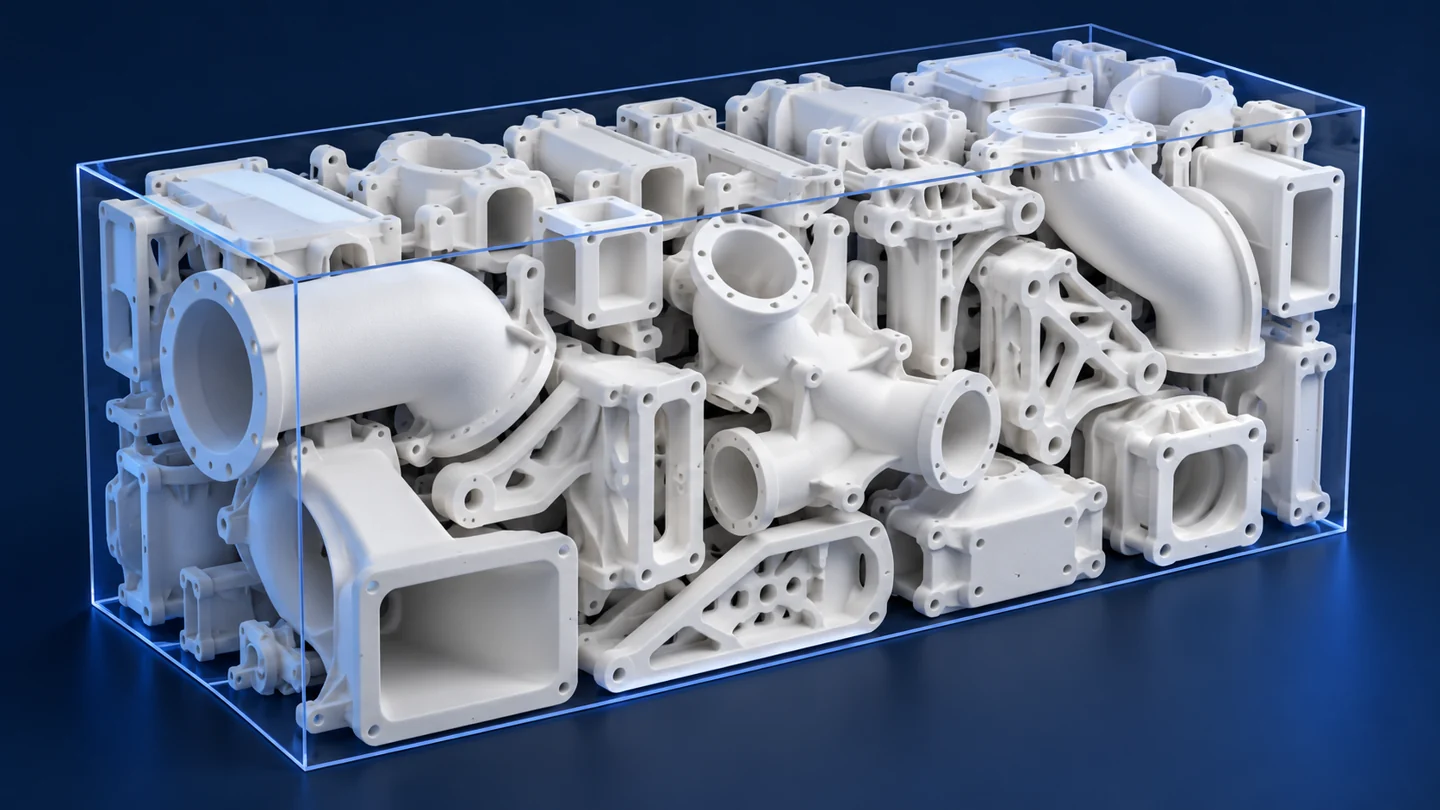
Compare alternatives to fit the same parts into a lower build. Fewer layers create an opportunity to reduce production time.
Combine different parts and quantities. Multi-build planning aims to make better use of available capacity.
Optionally redistribute parts without changing your selected height. Use a separate balancing step to reduce avoidable dense layers.
TWO WAYS TO WORK
Run placement on your own computer. Design files are not sent elsewhere for optimization, and no internet connection is needed.
Submit a job from your browser to a server. Computation continues there, and you can review results when you reconnect. A capable server can run longer searches without tying up your computer.
THE PRODUCTION SYSTEM
SLS builds parts layer by layer from polymer powder. The build space is more than a flat surface: parts can be positioned at different heights.
The surrounding powder supports parts during production, allowing different shapes to share the same volume. Nesting Solver considers machine dimensions and part spacing as it searches for arrangements that use that space better.
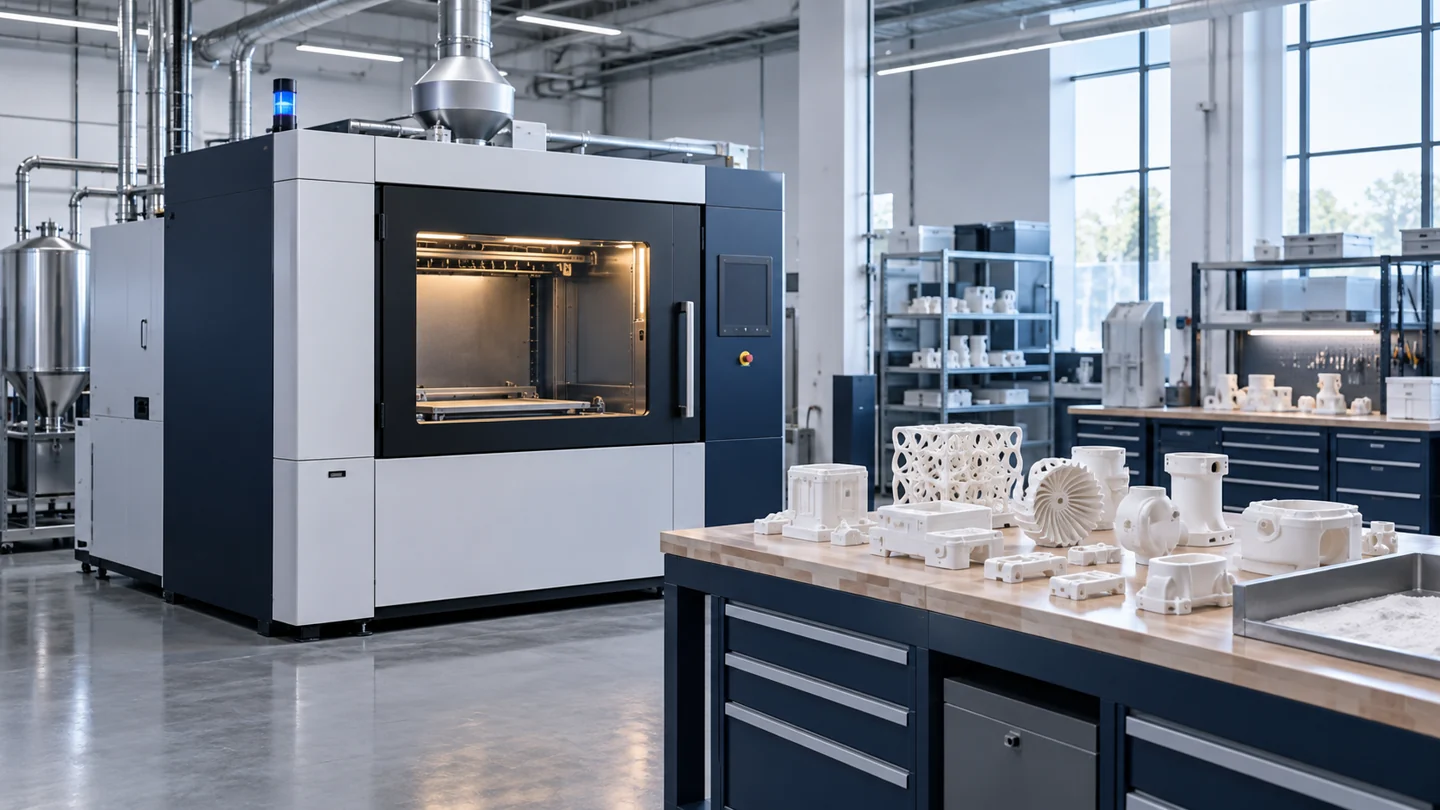
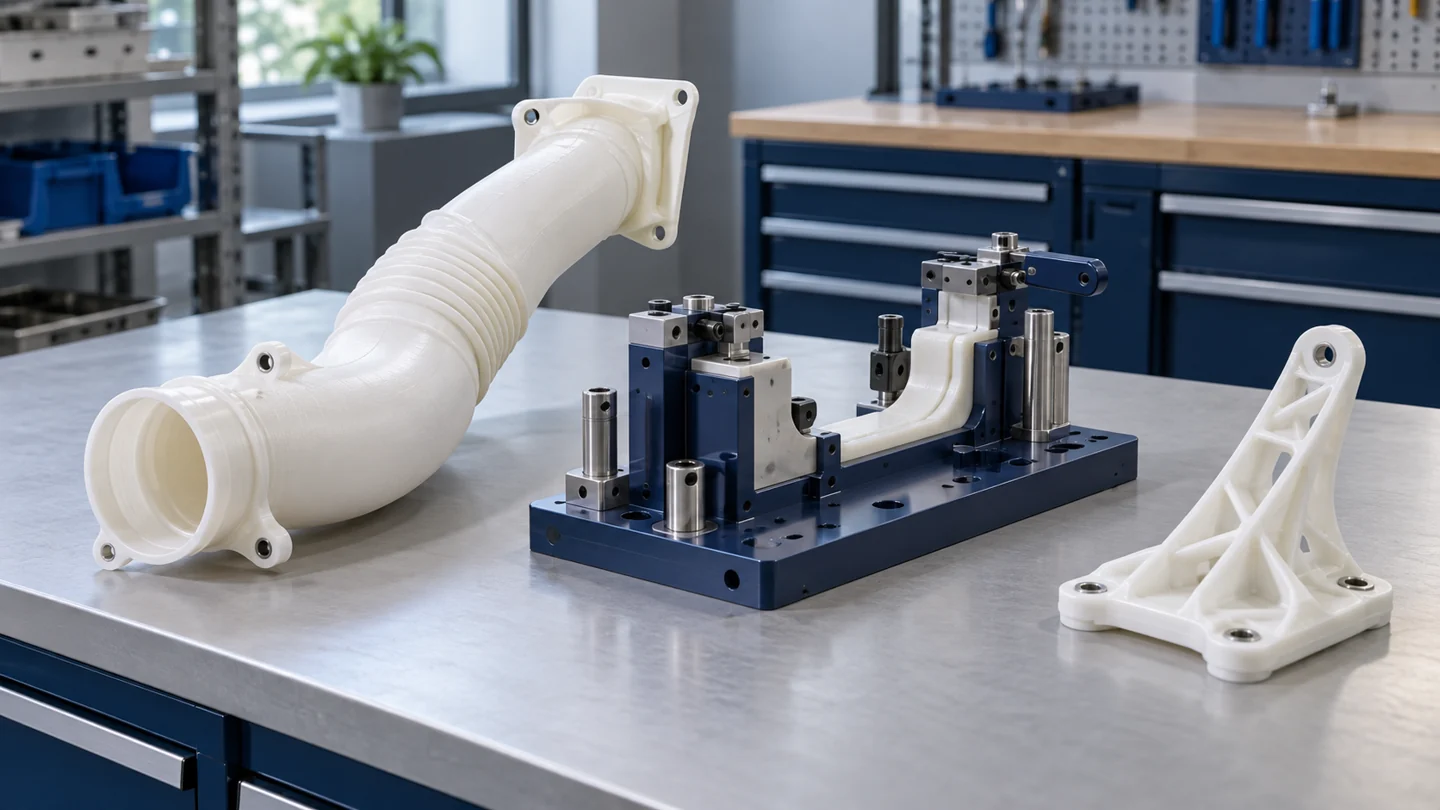
Our initial focus is SLS and industrial polymer production.
TARGET INDUSTRIES
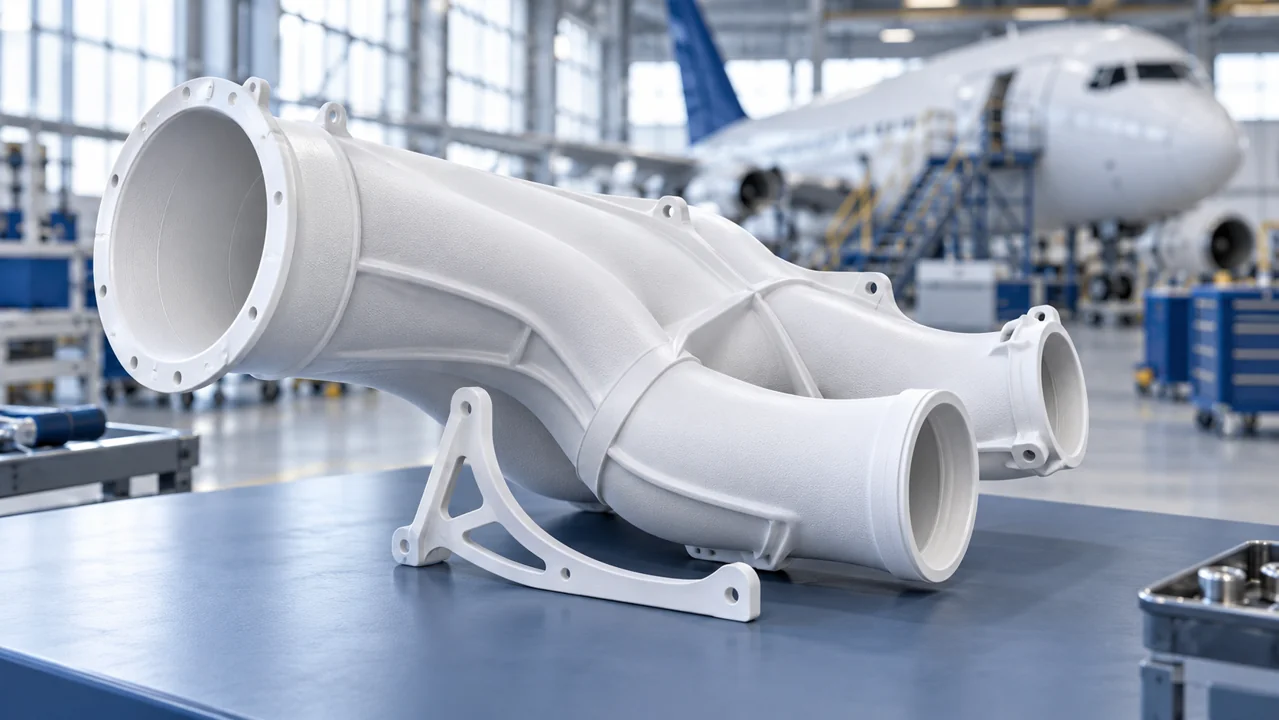 01
01Complex parts, prototypes and sensitive design data.
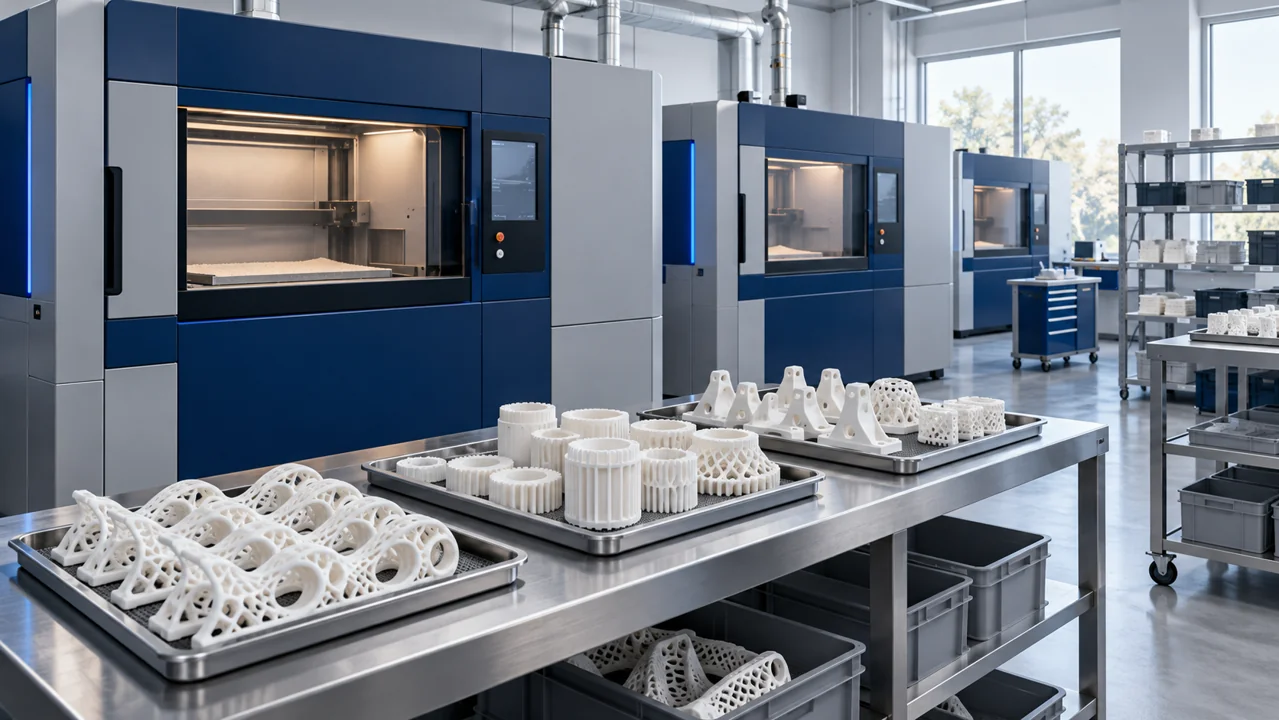 02
02Plan different orders and quantities in a shared build.
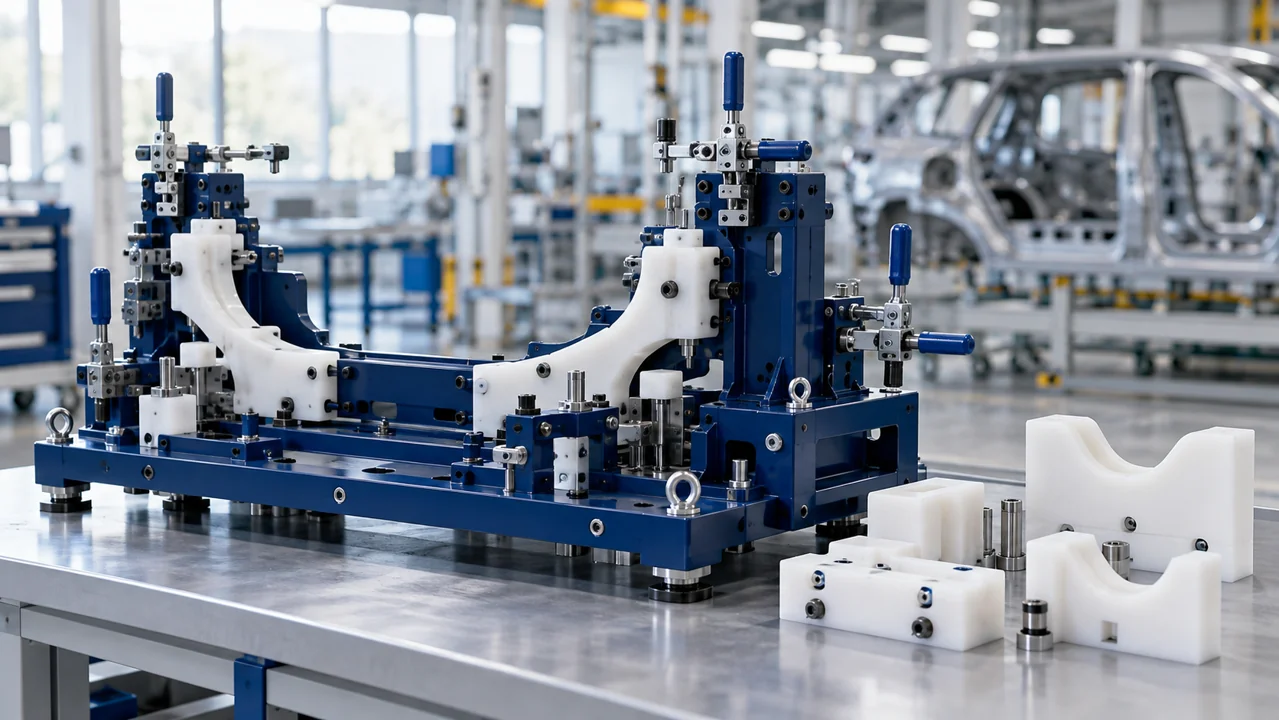 03
03Prototypes, assembly jigs and production-line tools.
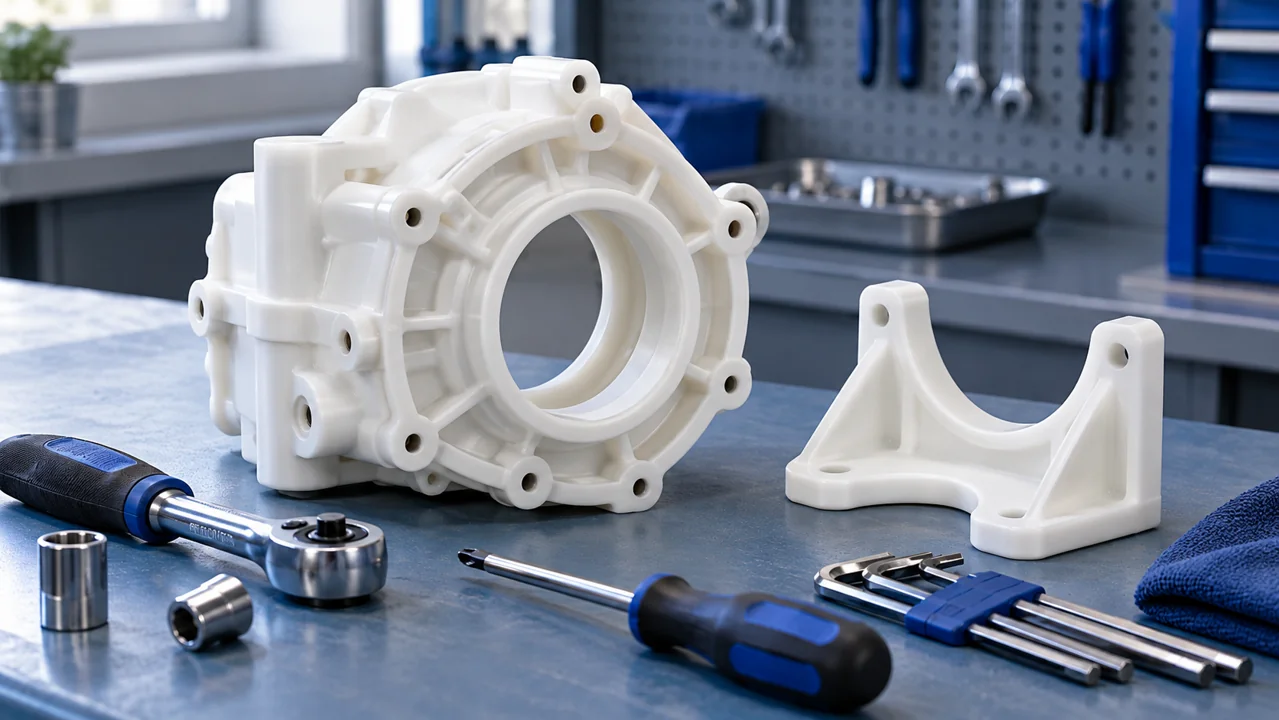 04
04Variable-quantity spare parts and technical production needs.
ABOUT NESTING SOLVER
Nesting Solver grew from real production needs: manual placement takes time, and machine space is not always used efficiently.
Our aim is to give production teams a practical way to find better layouts, compare them and continue their work.
As we develop our desktop and server versions, we focus on ease of use, control over data and better utilization of build space.
It searches for efficient ways to arrange 3D parts inside a machine’s build volume. Single-build search explores lower heights, while multi-build planning explores how to distribute an order across builds.
Nesting means arranging different shapes and quantities in a defined build space. The goal is to use available space efficiently while respecting required gaps.
Our initial focus is SLS and industrial polymer powder-bed manufacturing. Placement searches can use different machine dimensions, with process-specific requirements considered separately.
You can define build dimensions, height limits and spacing. Suitability for a specific machine depends on file transfer and its production-preparation software.
Part models are imported as STL files. Set quantities for each part type and combine different models in one plan.
Yes. Add different part types and quantities to the same job. Multi-build planning explores distributing that order across several build volumes.
Yes. Define spacing in millimeters. The search respects that setting; choose its value for your machine and production conditions.
Yes. Orientation restrictions can limit permitted rotations. You can also define forbidden regions and height limits.
Timing depends on part count, shape complexity, spacing, objectives and available computing resources. Review improvements as they are found and stop when you choose.
Continue searching for better arrangements. Improvement history lets you compare results and select a preferred layout.
Yes. Open a saved job and resume from its checkpoint when settings are unchanged. Changing settings or quantities may require a new search.
It redistributes parts while keeping the selected height. The aim is to smooth differences between layers and reduce avoidable density peaks. It is separate from the height search.
Optimization runs on your computer without requiring internet or sending part files elsewhere. Jobs and results are saved locally.
Submit jobs and view results in your browser. Computation runs on a server, so a started search can continue with your browser or computer closed while the server is running.
Desktop files stay on your computer. Server jobs are processed and stored in the selected server environment. Access, network and retention policies depend on the deployment.
We do not yet have a published standard price list. We are working on offers based on user count, deployment and usage needs. Contact our team for current options.
We plan annual enterprise licensing and usage-based options for flexible needs. These are commercial models in development; available offers and terms are agreed during discussions.
Tell us about your manufacturing system, planning needs and preferred deployment. We can agree evaluation steps and application access together.
LET’S TALK ABOUT YOUR PRODUCTION
Get in touch about deployment options and a pilot.